Microsoft Dynamics NAV 2013 R2 on Windows Server 2019 and SQL Server 2019
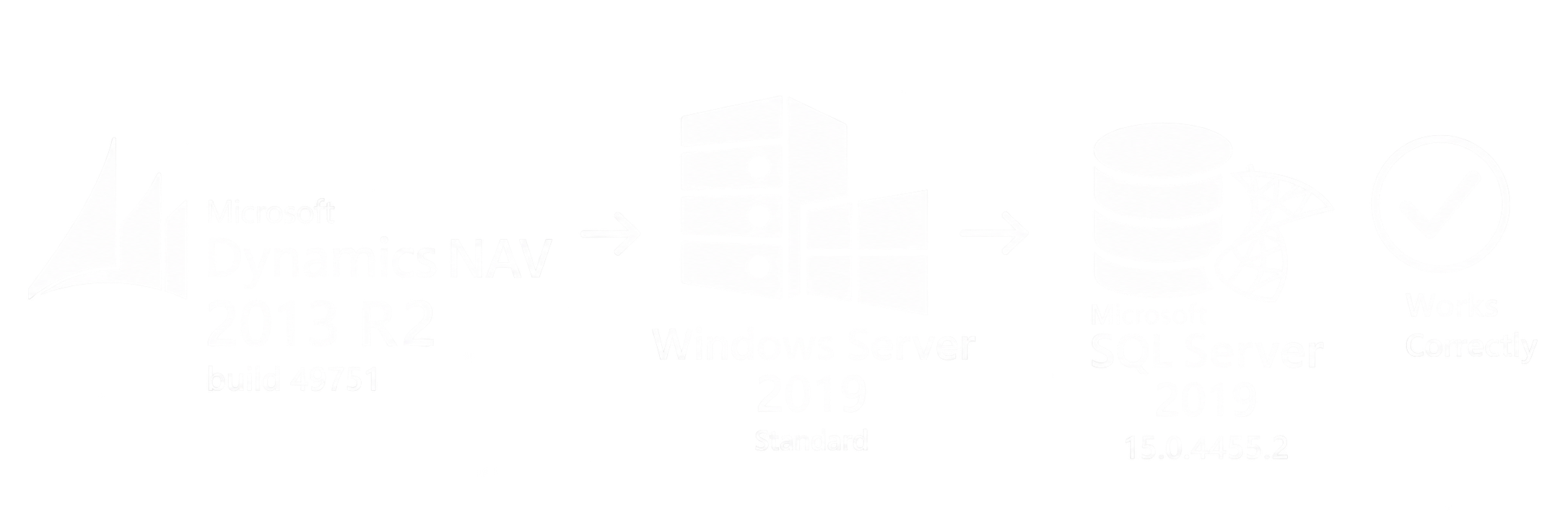
In practice, Microsoft Dynamics NAV 2013 R2 can be run on newer versions of Windows Server and Microsoft SQL Server after the required update.
The following configuration was successfully verified:
- Microsoft Dynamics NAV 2013 R2 – build 49751
- Windows Server 2019 Standard
- Microsoft SQL Server 2019 – version 15.0.4455.2
After the upgrade and the required configuration, the system was successfully brought into operation and could be used in a standard way.
Updating NAV 2013 R2 to build 49751
For older Microsoft Dynamics NAV 2013 R2 installations, an update of the application components may be required before moving to newer server infrastructure.
In this case, Microsoft Dynamics NAV 2013 R2 build 49751 was used.
After the update, the NAV Server Service could be started on Windows Server 2019 Standard, while the database could be operated on Microsoft SQL Server 2019.
The SQL Server version used was:
15.0.4455.2
Running NAV 2013 R2 on Windows Server 2019
After the upgrade and configuration, the Microsoft Dynamics NAV Server Service starts correctly.
The Windows client can connect to the database and the basic system functionality is available without issues.
The following combination was therefore verified as functional:
Microsoft Dynamics NAV 2013 R2 build 49751 + Windows Server 2019 Standard + Microsoft SQL Server 2019.
The exact NAV version is important
With older Microsoft Dynamics NAV versions, it is not sufficient to consider only the product name, such as NAV 2013 R2.
The exact build and the installed Cumulative Update are also important.
Older builds may cause issues when running on newer operating systems or database servers, while some of these issues may have been resolved in later updates.
Before migration, it is therefore recommended to verify the exact Microsoft Dynamics NAV version and prepare a test environment.
What this means for NAV 2013 R2 users
Using Microsoft Dynamics NAV 2013 R2 does not automatically mean that an immediate migration to Microsoft Dynamics 365 Business Central is required.
In some cases, an existing NAV solution can be updated and moved to newer server infrastructure.
Before the upgrade, it is recommended to verify in particular:
- Microsoft Dynamics NAV Server Service,
- Windows client,
- database and SQL Server,
- custom C/AL modifications,
- reports,
- web services,
- NAS and scheduled tasks,
- integrations with external systems.
Each Microsoft Dynamics NAV environment may contain individual customizations and integrations, so the upgrade should first be performed in a test environment.
Conclusion
The configuration Microsoft Dynamics NAV 2013 R2 build 49751, Windows Server 2019 Standard and Microsoft SQL Server 2019 version 15.0.4455.2 was successfully brought into operation and tested.
For companies still using Microsoft Dynamics NAV 2013 R2, upgrading the existing installation and moving it to newer server infrastructure can therefore be one way to extend the lifecycle of the current solution without an immediate migration to Business Central.